

High-Performance AI
Support AI and machine-learning projects with suitable campus computing resources, including NVIDIA GPU infrastructure where configured.


Bring virtual labs, digital learning tools, and AI-ready infrastructure directly to your campus.
DigiLabs Satellite helps colleges host digital learning experiences on their own campus infrastructure. Give students and faculty local access to virtual labs and connected academic tools, with less dependence on continuous internet connectivity.
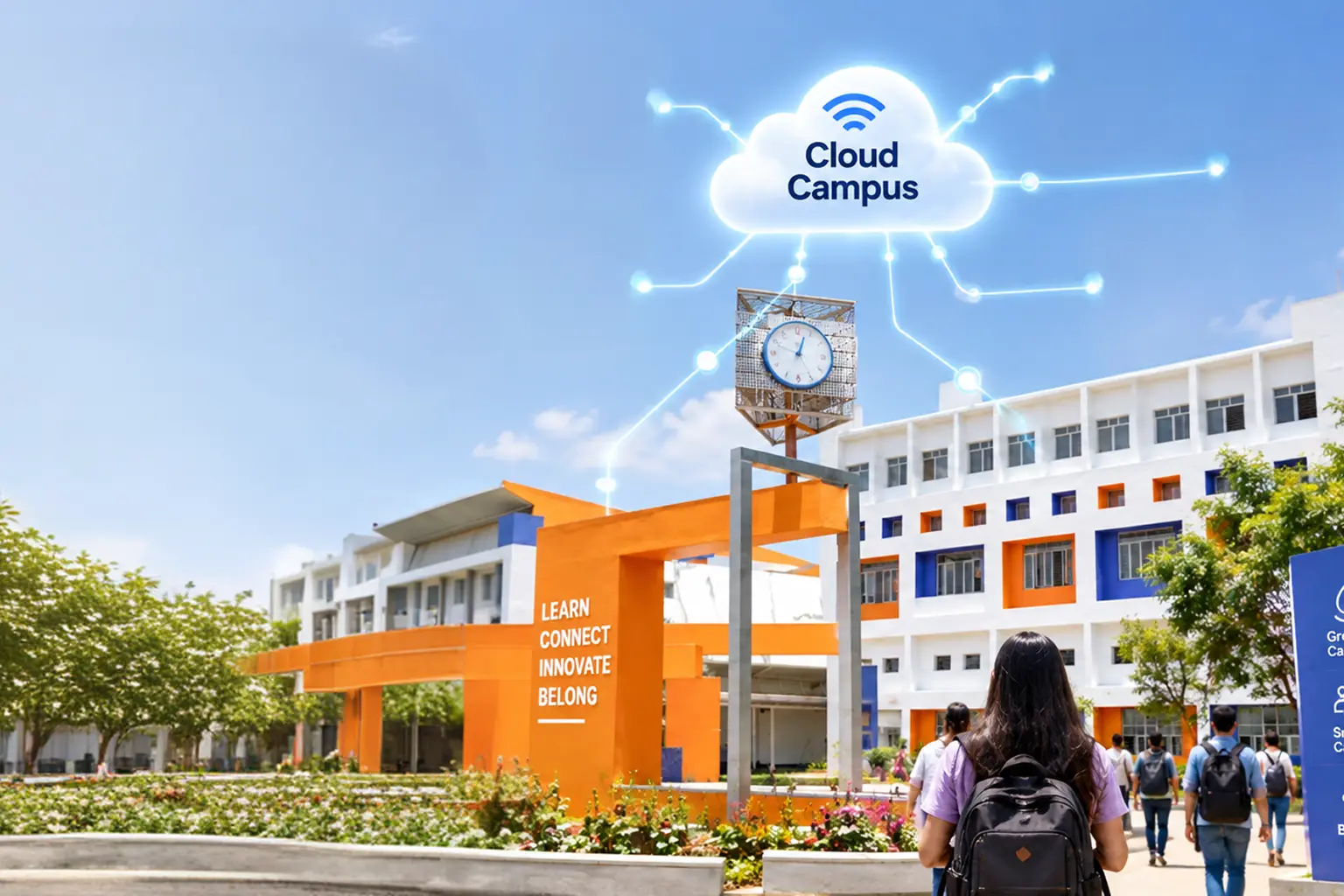
Cloud subscriptions are not the only way to deliver modern digital learning. DigiLabs Satellite brings platform services closer to campus through a local deployment model designed around your institution's infrastructure and needs.
Support AI and machine-learning projects with suitable campus computing resources, including NVIDIA GPU infrastructure where configured.
Keep platform services and campus learning activity within your local environment according to your deployment configuration.
Access supported labs and platform tools over the campus network, including offline workflows where configured.
Plan deployment and platform care with expert support and updates according to your service arrangement.
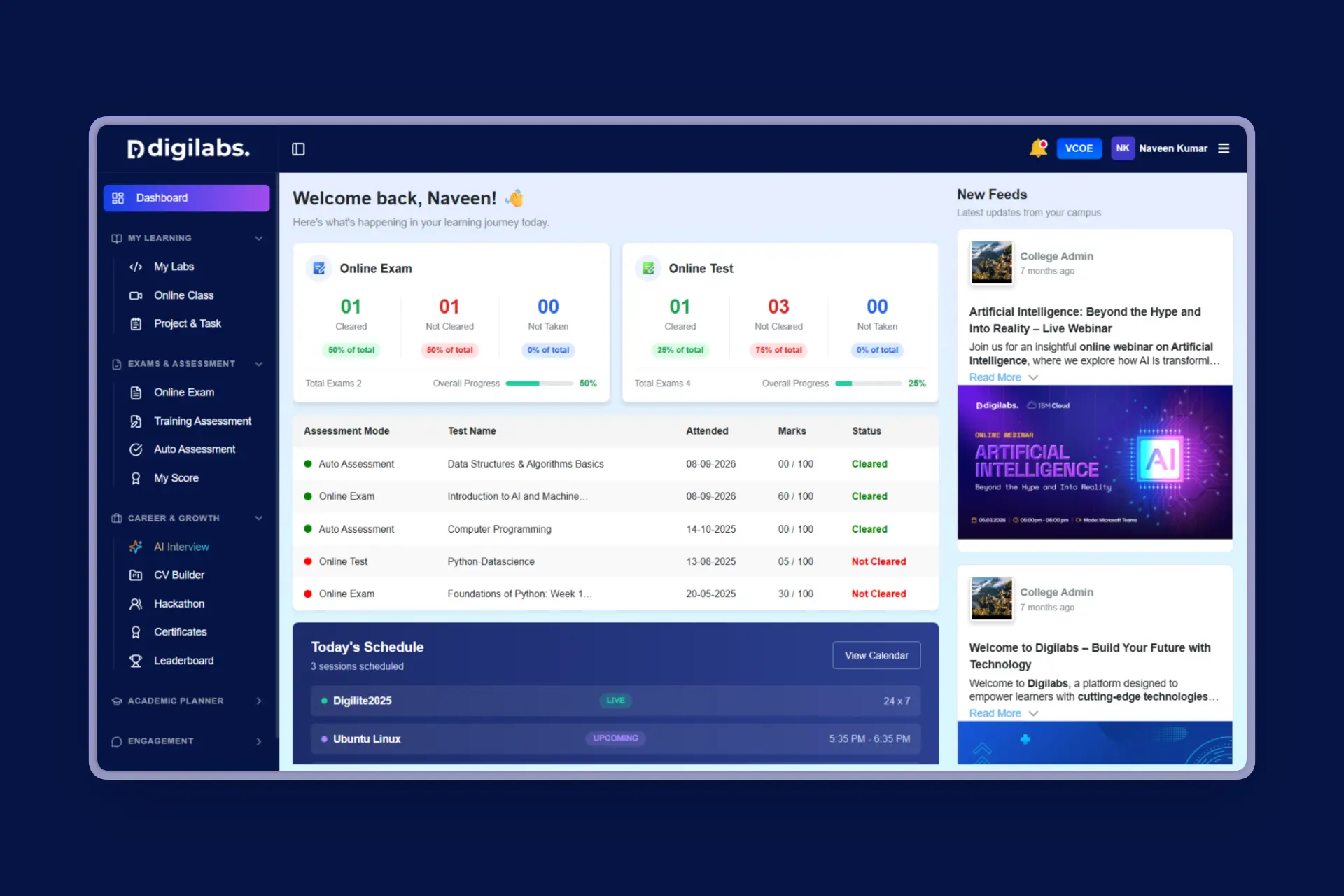
DigiLabs Satellite is designed to support digital learning activities across students, faculty, and campus administrators. Available tools depend on the selected platform configuration and deployment.
Access supported hands-on lab environments on the campus network.
Bring learning management and academic workflows into one ecosystem where included.
Support practical technology exercises and project-based learning.
Help learners prepare for relevant certification pathways and assessments.
Support institutional workflows for users, learning activities, and administration.
Review local server capacity and scale hardware as institutional demand grows.
A campus deployment connects the Satellite appliance, your local network, and the institution's server environment to deliver supported learning tools locally.
Discuss server specifications, campus network setup, expected users, and the learning tools your institution needs.
Deploy the pre-configured Satellite appliance and connect it to the agreed campus server and local network.
Configure institutional access so students and faculty can use supported platform services on campus.
Use configured virtual labs, coding environments, LMS, ERP, and other included services locally.
Where suitable hardware is included, support GPU-powered AI and machine-learning workloads.
Plan scheduled updates, licensing checks, and maintenance based on deployment requirements.
Both models can support digital learning. The right fit depends on campus infrastructure, connectivity, data requirements, and preferred cost model.
A high-level overview based on published DigiLabs Satellite deployment information.
| Feature | DigiLabs Cloud | DigiLabs Satellite |
|---|---|---|
| Virtual labs | Included in cloud platform offering | Supported labs run locally where configured |
| LMS, ERP & career tools | Available through cloud services | Available locally where included in deployment |
| Billing approach | Monthly or annual subscription | One-time infrastructure investment model |
| Data environment | Cloud-hosted infrastructure | Local campus servers |
| Internet dependency | Internet connection required | Local-network access and supported offline workflows |
Share your server specifications, campus network setup, and learning goals. The DigiLabs team can help review your requirements and discuss a suitable deployment approach.
Every institution has different infrastructure needs. The right deployment starts with understanding your existing resources, academic priorities, and expected usage.
Review available servers, processors, memory, storage, and potential GPU requirements.
Understand campus LAN, Wi-Fi coverage, network capacity, and access requirements.
Estimate the number of students, faculty members, and concurrent users expected to access the platform.
Identify the virtual labs, coding tools, learning platforms, and other services required by your institution.
Discuss data storage, backup procedures, access controls, and operational responsibilities.
Establish next steps for technical validation, installation, configuration, and onboarding.



 Offline availability, hardware requirements, update schedules, and included modules should be confirmed for each institution's deployment.


